
Choose TPU by the part, then check its feed path. Bambu lists some TPU lines for automatic AMS use and routes others through an external or manual feed. Use the exact product and feeder entries in the table before loading.
Compare TPU with rigid materials in the filament-by-job matrix before choosing a spool for the part.
For a shorter answer, see whether AMS Lite can print TPU and TPU for AMS versus TPU 95A. The wider feeder and spool lookup covers Creality models and spool fit. For AMS dimensions and external paths, see the printer-path compatibility matrix.
TPU and Bambu AMS compatibility
On phones, swipe across the table to read all six columns. “Works” means Bambu documents that product class for that path. AMS HT’s bypass outlet is manual and does not use normal automatic feed and return.
| Feeder or route | TPU product | Works in this path? | Shore hardness | Bambu official guidance | Notes |
|---|---|---|---|---|---|
| Bambu AMS | Bambu TPU for AMS | Yes | 68D | TPU for AMS specs | This is the named AMS-compatible TPU; do not generalize it to other TPU. |
| Bambu AMS | Bambu TPU 95A HF | No | 95A | 95A HF cautions | Bambu marks it incompatible with AMS and AMS lite. Use an external/manual path. |
| Bambu AMS | Bambu TPU 90A / 85A | No | 90A / 85A | 85A / 90A compatibility | Bambu lists AMS as incompatible for both grades. |
| Bambu AMS | Third-party TPU 95A | No, by Bambu guidance | Usually 95A; check the spool | AMS supported-material list | Bambu lists generic TPU as unsupported. Owner reports of modified AMS paths are not manufacturer approval. |
| AMS 2 Pro | Bambu TPU for AMS | Yes | 68D | AMS 2 Pro specs | Bambu names TPU for AMS as supported. |
| AMS 2 Pro | Bambu TPU 95A HF | No | 95A | AMS 2 Pro specs | Bambu excludes TPU 95A and warns against TPU at 95A or softer. |
| AMS 2 Pro | Bambu TPU 90A / 85A | No | 90A / 85A | 85A / 90A compatibility | Bambu lists AMS 2 Pro as incompatible for both grades. |
| AMS 2 Pro | Third-party TPU 95A | No | Usually 95A; check the spool | AMS 2 Pro specs | Bambu lists generic TPU as unsupported. Drying a spool in the AMS 2 Pro does not make its automatic feed path compatible. |
| AMS lite | Bambu TPU for AMS | Yes | 68D | TPU for AMS specs | Bambu names AMS lite compatibility for this product. |
| AMS lite | Bambu TPU 95A HF | No | 95A | 95A HF cautions | Bambu marks it incompatible with AMS and AMS lite. |
| AMS lite | Bambu TPU 90A / 85A | No | 90A / 85A | 85A / 90A compatibility | Bambu lists AMS lite as incompatible for both grades. |
| AMS lite | Third-party TPU 95A | No, by Bambu guidance | Usually 95A; check the spool | AMS lite supported-material list | Bambu lists generic TPU as unsupported. Use the printer’s external-spool procedure. |
| AMS HT, normal feed | Bambu TPU for AMS | Yes | 68D | AMS HT specs | TPU for AMS is listed in the normal supported-material set. |
| AMS HT, bypass outlet | Bambu TPU 95A HF | Yes, bypass only | 95A | AMS HT bypass guidance | Bambu lists TPU 95A under bypass materials. Feed it manually; automatic feed and return are unavailable. |
| AMS HT, bypass outlet | Bambu TPU 90A / 85A | Yes, bypass only | 90A / 85A | 85A / 90A compatibility | Bambu marks AMS HT compatible and directs users to its TPU loading guide. Use the bypass outlet. |
| AMS HT, bypass outlet | Third-party TPU 95A | Yes, bypass only | Usually 95A; check the spool | AMS HT bypass guidance | Bambu lists generic TPU for the bypass outlet. This is manual loading, not AMS automatic feeding. |
| External spool / printer inlet | Bambu TPU for AMS | Yes, if supported by the printer | 68D | Bambu TPU loading guide | Use the printer’s external-spool loading procedure and the exact material profile. |
| External spool / printer inlet | Bambu TPU 95A HF | Yes, manual feed | 95A | Bambu TPU printing guide | Keep the path short and follow the inlet procedure for the exact printer. |
| External spool / printer inlet | Bambu TPU 90A / 85A | Conditional on printer model | 90A / 85A | Printer and inlet compatibility | Bambu lists 85A as unsupported on A-series printers; its table calls for the right inlet on H2D. |
| External spool / printer inlet | Third-party TPU 95A | Yes, on a supported printer path | Usually 95A; check the spool | Bambu TPU loading guide | Confirm the exact spool’s profile and use the printer’s external loading instructions. |
Shore A and Shore D are different scales; read the value printed for the exact product rather than treating 68D as a converted 95A. The AMS HT bypass outlet is a separate manual feed path, and Bambu says it cannot auto-feed, retract, or dry while printing through that outlet. See the AMS HT manual for the outlet setup.
How should I choose a TPU hardness?
Start with the hardness named in the part’s material requirement. If the part needs more flex, a softer grade may fit, but first check that the printer supports its feed path.
Read the label on the spool you receive. TPU hardness and feeder support vary by product line. For Bambu’s 68D and 95A lines, see the TPU for AMS vs TPU 95A comparison.
Can TPU 95A go through AMS lite?
Ordinary TPU 95A should bypass AMS lite. Soft filament can buckle, slip, or bind in the feeder path. Use the printer’s supported external-spool procedure and confirm the exact filament profile before starting the print.
Check the AMS lite supported-material list against the full product name. A material sold specifically for an automatic feeder is a different compatibility decision; confirm feeder support from the exact material rules.
- Identify the feeder model and exact TPU line. Do not apply AMS lite advice to every automatic feeder.
- Follow your printer manual to load an external spool using a supported path.
- Select the matching TPU profile and run a small part before a long flexible print.
Compare SUNLU and OVERTURE 95A once the feed path is settled. OVERTURE provides an explicit compatibility warning; SUNLU's conflicting profile descriptions still need confirmation for the supplied spool.
Bambu TPU for AMS (68D) and TPU 95A HF are separate products. Read the side-by-side comparison for their feeder rules and hardness labels.
When should you choose another material?
Choose PLA for easy rigid prototypes, PETG for many tough rigid fixtures, or ASA for outdoor parts that need UV resistance. TPU is the right answer only when flexibility solves the job and your printer can control the material through the entire feed path.
- Use PLA when the part should be rigid and easy to print.
- Use PETG for functional rigidity with more toughness than basic PLA.
- Use ASA when outdoor exposure and enclosure planning drive the decision.
What should you buy for TPU 95A?
Both listed spools are 95A; compare their feeder rules, profiles, and drying guidance. OVERTURE explicitly excludes AMS and AMS lite. SUNLU’s listing contains conflicting standard and high-speed settings; confirm the supplied formulation before using the faster profile. Start with a short, well-guided feed path and a small test part.
Check the selected variant, seller, and price on Amazon before ordering. Buying through our Amazon links costs you nothing extra and helps keep FilamentSetup free. As an Amazon Associate we earn from qualifying purchases. How we assess products.
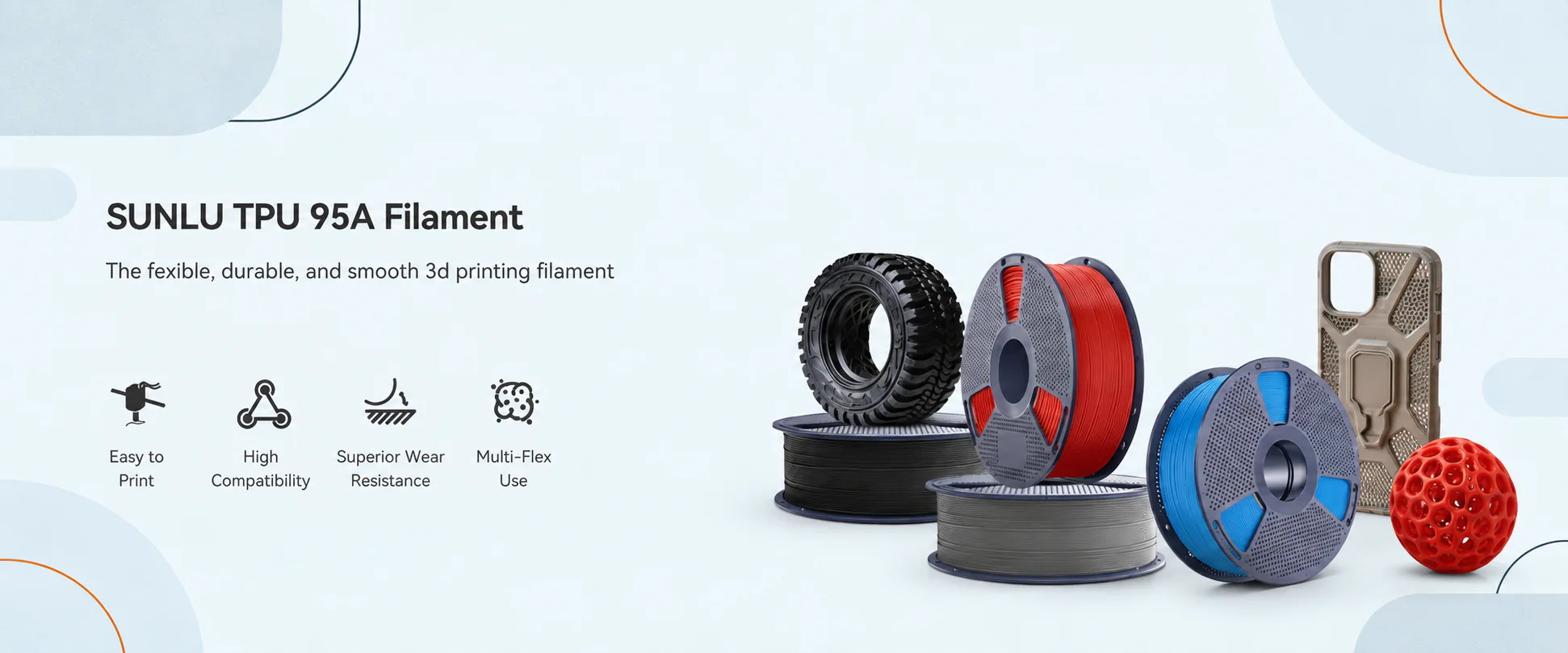
Manufacturer-sourced reference · check the selected color
SUNLU 95A profile check
SUNLU TPU Filament, 1.75 mm, 1 kg, White, 95A
View on AmazonSkip this if: the exact US child changes brand, model or line, material or capacity, diameter or weight, color, or generation.
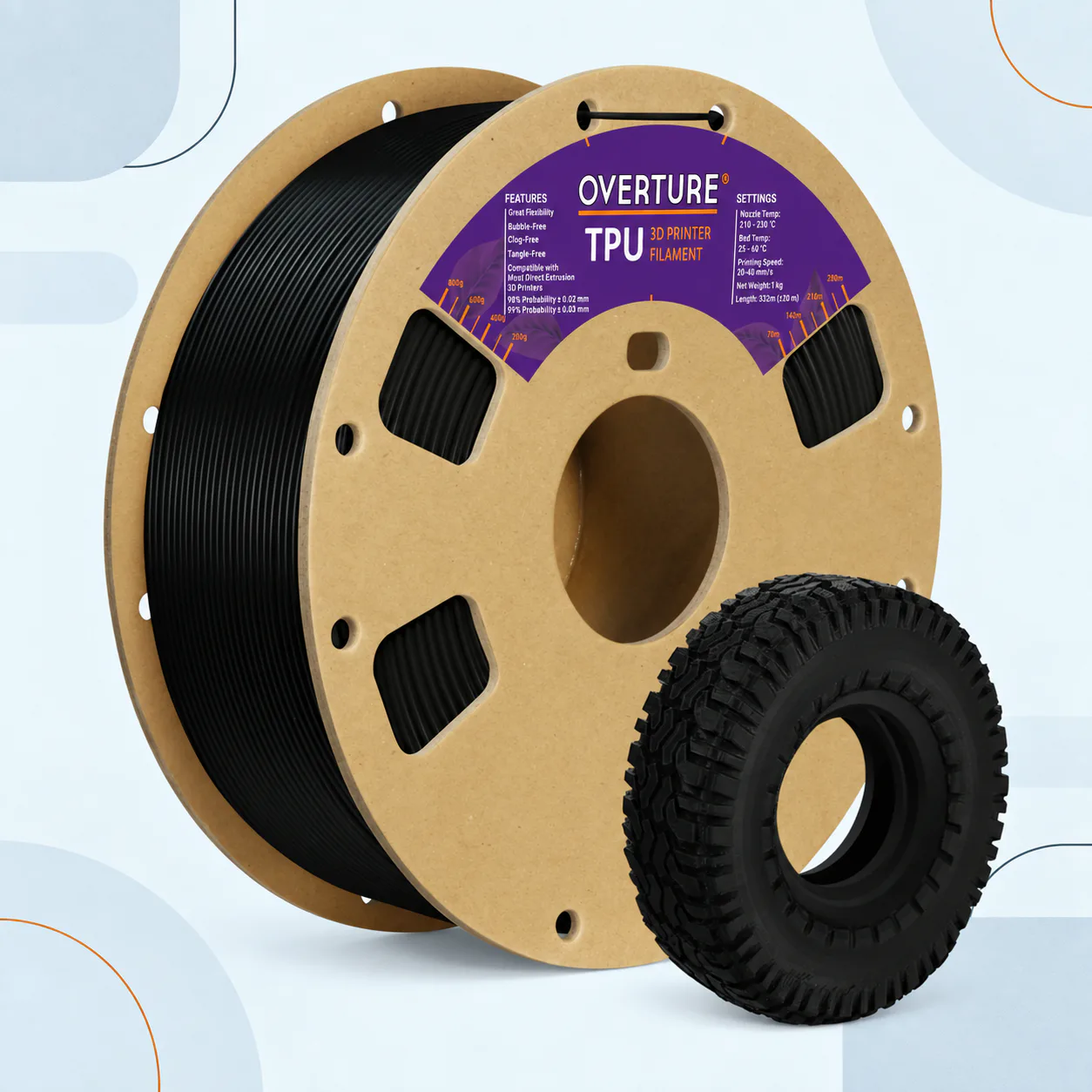
Manufacturer-sourced reference · check the selected color
95A with explicit feed limits
OVERTURE TPU 95A Flexible Filament, 1.75 mm, 1 kg, Digital Blue
View on AmazonSkip this if: the exact US child changes brand, model or line, material or capacity, diameter or weight, color, or generation.
| Spec | SUNLU TPU | OVERTURE TPU 95A |
|---|---|---|
| Listing variant | White · 1.75 mm · 1 kg · 95A | Digital Blue · 1.75 mm · 1 kg · 95A |
| Published dimensional claim | ±0.03 mm | Not stated in the product summary |
| Hardness | 95A; white, 1.75 mm, 1 kg. | 95A; Digital Blue, 1.75 mm, 1 kg. |
| Nozzle / bed | Listing conflict: 195–205°C in one section and 210–230°C in high-speed guidance. Confirm the spool profile. | Manufacturer table: 210–240°C / 35–50°C; its prose says 210–230°C. Resolve against the supplied profile. |
| Speed | Use 80–120 mm/s only when the supplied profile supports it. | Page advertises below 250 mm/s. Start with your printer’s TPU profile; increase speed only after the first part is stable. |
| Drying | Follow the exact formulation’s drying schedule on its packaging or manufacturer page. | Manufacturer specifies 70°C for 7 hours; confirm the spool itself supports that temperature. |
| Automatic feeding | Confirm compatibility using the feeder’s exact material rules. | Manufacturer says AMS and AMS lite are not compatible. Use a supported external feed path. |
| Choose it when | You can confirm the formulation and already have a suitable profile. | You need explicit manufacturer feed restrictions and drying guidance. |
Check the exact profile before printing: OVERTURE TPU settings and feeder restrictions. Use the manufacturer range as the starting profile, then tune for your printer.
When TPU is the right choice
TPU is a family of flexible materials, so hardness changes the feel and the difficulty. A firmer TPU is usually a friendlier first experiment; softer grades can deliver more compliance while demanding a straighter, better-controlled path from spool to nozzle.
Flexibility is useful only when the part’s shape, wall thickness, infill, and shore hardness work together. Soft TPU can buckle at a gap in the feed path.
TPU vs PETG for phone-stand feet and anti-vibration pads
Use TPU when the foot needs grip, compression, or vibration damping. Use PETG when the foot is really a rigid spacer or bracket and the printer needs an easier feed path. A thin TPU contact pad on a PETG body can be the practical split; the part still needs a fit check rather than a generic material winner.
Feed-path and printer fit
TPU benefits from a short, well-guided feed path, controlled idler pressure, and slower motion. Direct-drive extruders often make flexible filament easier to manage, but the exact printer design and material hardness decide whether the path is reliable.
Shore hardness is not one scale
| Grade | What it means here | Feed-path implication |
|---|---|---|
| 95A | Common flexible starting point; firmer than softer TPU. | Still needs a constrained path and a compatible extruder. |
| 90A / 85A | Softer A-scale grades with more compliance. | Expect more buckling sensitivity; follow the exact product profile. |
| 68D | Bambu TPU for AMS, a firmer TPU product. | Read the product’s D-scale label; do not treat it as 95A. |
| Check | TPU starting point | Why it matters |
|---|---|---|
| Nozzle | About 210–245°C depending on brand and hardness | Use the spool profile; Prusa’s TPU 95A guidance lists about 220–240°C. |
| Bed | About 40–75°C depending on product | Surface, first layer, and part geometry affect release and adhesion. |
| Speed | Start slowly; around 20 mm/s is a common reference | Soft filament needs time to move through the feed path without buckling. |
| Feed path | Keep the filament guided with minimal gaps | Slack and sharp turns can cause jams, tangles, or inconsistent extrusion. |
Read the manufacturer’s hardness-specific profile and Prusa’s flexible materials guidance. TPU ranges vary widely; select the hardness-specific profile before tuning temperature or speed.
TPU grinding and PTFE wear after an AMS Lite attempt
Stop the job when ordinary TPU grinds instead of feeding. Cut and unload the damaged filament, inspect the guide and PTFE path for flattened filament, scoring, or a new snag, and clear the path before trying again. Re-load through the printer’s supported external route, then test a short segment. Replace a damaged guide only according to the printer maker’s instructions; do not keep pushing a soft spool through a path that is already shaving it.
The recovery order is simple: stop the feeder, remove the damaged strand, inspect the path, fix the guide or pressure problem, and test slowly. If the attempt used AMS lite, return ordinary 95A TPU to the external-spool procedure described above.
Drying and loading
Keep TPU dry and load it carefully so the filament does not loop, kink, or escape the guide. If the spool pops, strings heavily, or prints with rough surfaces, dry it according to the manufacturer’s instructions before changing several slicer settings at once. Choose equipment from the filament dryer guide when you need heat, airflow, and venting rather than a sealed warmer. For storage between prints, see the dry box versus dryer guide.
Check the spool path from holder to extruder and make sure the drive gear is not crushing the filament. Start with low retraction and modest speed, then change one variable at a time. Prusa’s TPU 95A notes are a useful reference for drying and feed preparation.
Bed setup and troubleshooting
Use a surface that releases the exact TPU product safely, keep the first layer consistent, and expect more stringing than with rigid materials. If the filament jams, inspect the guide, idler pressure, retraction, and nozzle path before raising temperature.
Some flexible materials can adhere strongly to smooth surfaces. Follow the plate maker’s release instructions; a separator layer may protect the surface where the material guide recommends one. For TPU 95A on PEI, see the PETG and TPU PEI release guide. For stringing, lower temperature only after confirming the profile and drying condition.
Before you buy a TPU spool
Confirm the Shore hardness, diameter, spool size, drying instructions, and printer feed-path compatibility. A softer TPU is a demanding first spool on a long or poorly guided path, even when its material properties look ideal on paper.
- Choose the hardness for the part’s required flex, grip, or compression.
- Match 1.75 mm or 2.85 mm diameter and verify the extruder path.
- Record the exact manufacturer, product line, hardness, color, and successful profile.
Related material decisions
Choose TPU when the part needs flexibility. For a rigid part, compare PLA, PETG, or ASA against the job and printer instead.
- PLA guide: the easy indoor default
- PETG guide: useful toughness for rigid parts
- ASA guide: outdoor parts and warping control
TPU questions
What TPU shore hardness should I use for a phone case?
Start with TPU marked 95A on the spool or listing. That grade is stiff enough to hold shape around a phone yet flex for snap-on installation. Softer A-scale grades need a more careful feed path and are a poor first choice for a full case.
Can TPU go through AMS Lite?
Bambu lists TPU for AMS 68D for AMS Lite, not ordinary 95A. See the AMS Lite TPU guide for the exact product names.
What is 95A TPU?
It is a common flexible-filament hardness and a useful general starting point, but the exact feel and print behavior still depend on the formulation.
Is TPU hard to print?
It is less forgiving than PLA because soft filament is harder to push through gaps and tubing. A short, constrained feed path helps.
Does TPU need drying?
TPU can be moisture-sensitive. Use the maker’s schedule, then retest before changing several slicer settings.
Should I buy softer TPU first?
Usually not. Start with 95A unless the part truly needs more compliance and the printer supports the softer grade.
Should I use TPU for AMS or TPU 95A?
They are separate Bambu product lines with different feeder rules. Read the TPU for AMS vs TPU 95A comparison before choosing.
Is TPU or PETG better for phone-stand feet?
Use TPU when the foot needs grip or compliance. Use PETG for a rigid spacer or body, and do not add flexibility unless the job needs it.
What should I do if TPU grinds in the feeder?
Stop and unload the damaged filament, inspect the guide and PTFE path, and correct the route before trying again. Use a supported external path for ordinary 95A rather than forcing it through an AMS feeder.