
Beginners may reach for glue stick to increase adhesion. For PETG on smooth PEI, Prusa recommends it as a sacrificial release barrier; it also advises against printing TPU directly on its smooth PEI sheet. Check the exact plate maker’s instructions.
- Smooth PEI and PETG: use a separation layer if the plate maker recommends it; Prusa specifically recommends glue stick on its smooth PEI sheet.
- Smooth PEI and TPU 95A: Prusa advises against printing TPU directly on its smooth sheet. Follow the sheet maker's guidance if using a separator.
- Textured PEI: Prusa lists its textured sheet as suitable for PETG and TPU; check the exact sheet instructions.
- Release: let the plate cool and use the manufacturer's removal instructions. Do not pry a stuck part aggressively.
Buying through our Amazon links costs you nothing extra and helps keep FilamentSetup free. As an Amazon Associate we earn from qualifying purchases. Commission policy.
Shortlist: PETG and TPU 95A spools with published bed settings
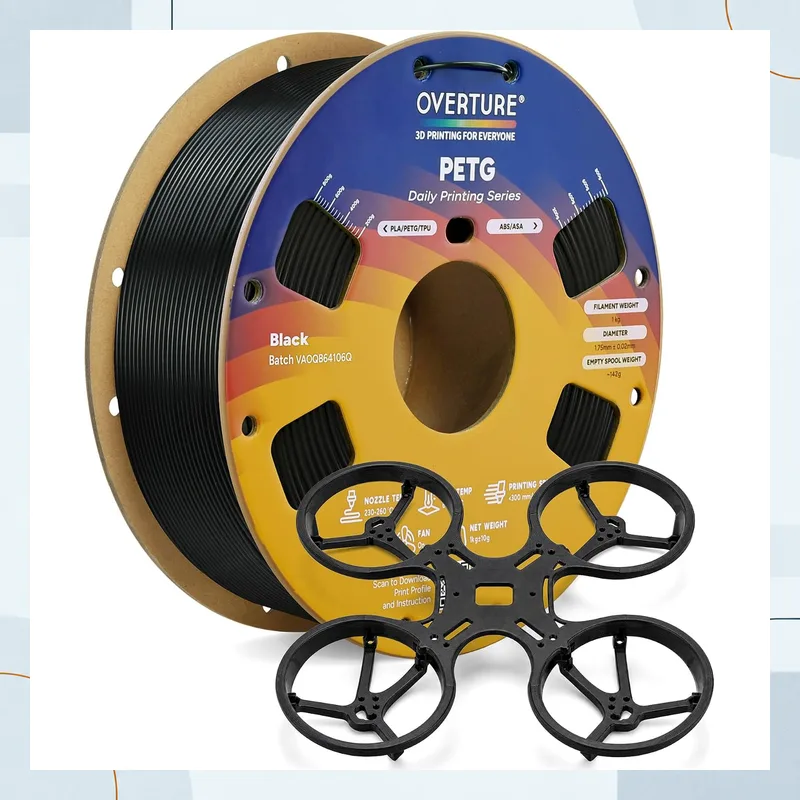
Best lower-bed-temperature PETG (65–70°C bed)
OVERTURE High Speed PETG, 1.75 mm, 1 kg
Skip this if: the exact US child changes brand, model or line, material or capacity, diameter or weight, color, or generation.
View on Amazon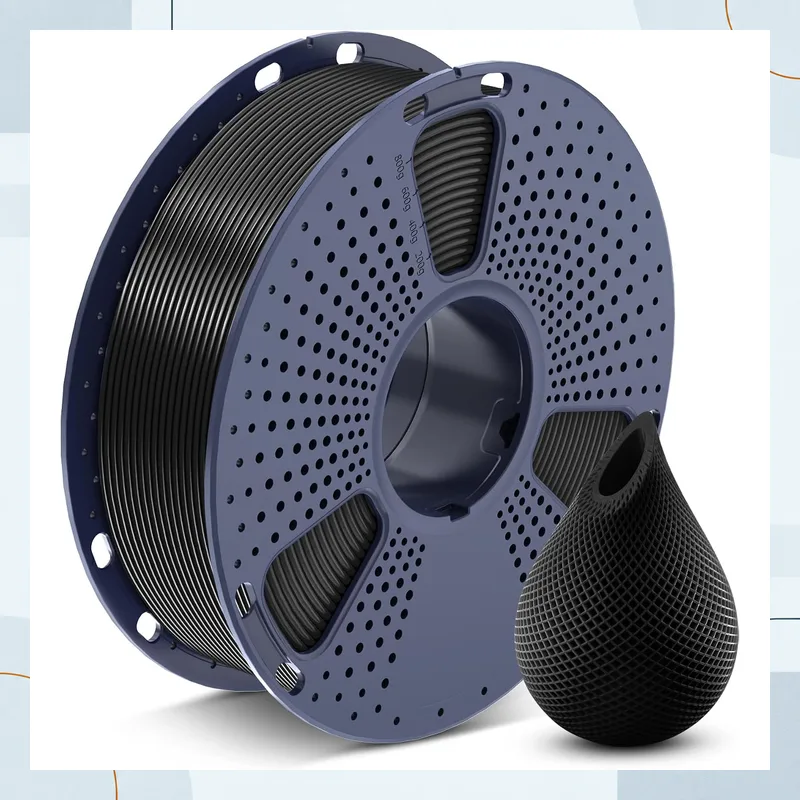
Best standard PETG for everyday brackets and trays
SUNLU PETG, 1.75 mm, 1 kg
Skip this if: the exact US child changes brand, model or line, material or capacity, diameter or weight, color, or generation.
View on Amazon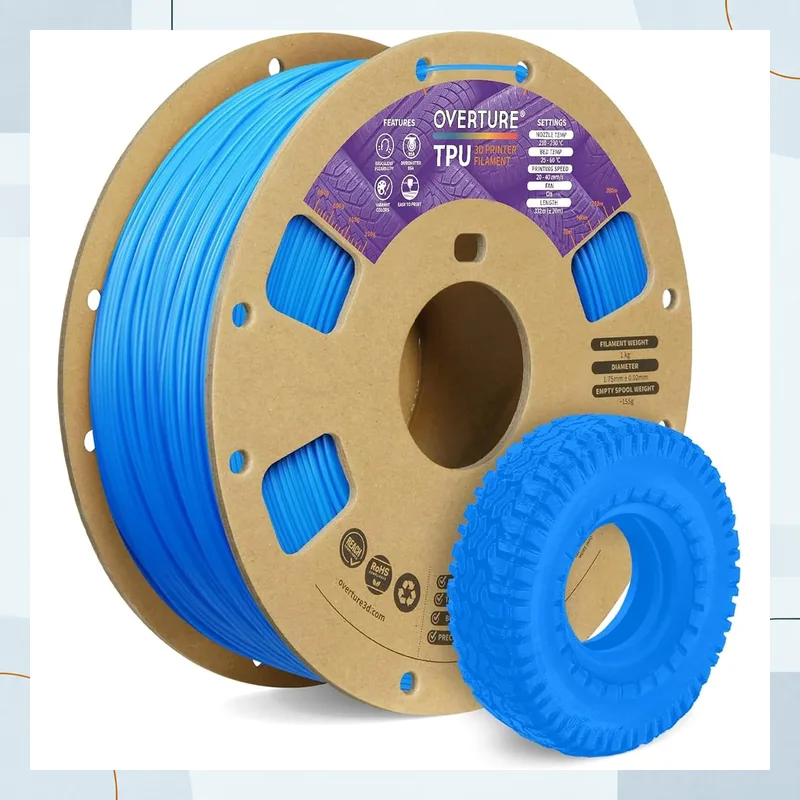
Best low-bed-temperature flexible spool (25–60°C bed)
OVERTURE TPU 95A, 1.75 mm, 1 kg
Skip this if: the exact US child changes brand, model or line, material or capacity, diameter or weight, color, or generation.
View on AmazonBuild-plate and release matrix
| Material | Smooth PEI | Textured PEI | Temperature and release |
|---|---|---|---|
| PLA | Follow the plate maker's surface instructions. | Follow the plate maker's surface instructions. | Use the exact filament and plate temperature ranges; let the plate cool before removal. |
| PETG | Prusa recommends a glue-stick separation layer on its smooth PEI sheet. | Prusa recommends its textured sheet for PETG; follow the exact sheet instructions. | OVERTURE: 65–70°C bed. SUNLU: 60–70°C bed. Cool fully before flexing the sheet. |
| TPU 95A | Prusa advises against printing TPU directly on its smooth PEI sheet; follow its guide if using a separator. | Prusa lists its textured sheet as suitable for TPU. Follow the exact plate maker's instructions. | OVERTURE: 25–60°C bed. Cool the sheet and avoid forceful removal. |
| ASA | Use the filament and sheet makers' instructions for the exact plate. | Use the filament and sheet makers' instructions for the exact plate. | OVERTURE ASA lists 70–95°C bed; Polymaker ASA lists 75–95°C. Follow the printer and plate limits. |
Sources: Prusa PETG guide and Prusa TPU 95A guide.
Constraint deep dives
First-layer squish and PEI release
A first layer pressed too close to the plate can increase adhesion and make removal difficult. PETG does not need the same first-layer squish as PLA. Use the printer and filament maker's setup guidance, then adjust only as needed for clean contact without pressing the nozzle into the surface. If the PETG first layer also leaves nozzle buildup, see why PETG can still string after drying.
Choose a release method from the sheet maker
PEI sheet coatings and surface treatments vary. Use a PVA glue-stick separator when the plate maker recommends it, especially for PETG on smooth PEI. Do not rely on alcohol or a scraper to release a part that is stuck to the sheet; cool it, flex the steel sheet if permitted, and follow the manufacturer's removal guidance.
When to skip glue stick
- Skip a release layer when the exact plate and filament instructions call for direct printing and the material releases cleanly.
- Skip metal putty knives on a flexible PEI sheet; use the sheet maker's cooling and removal instructions.
Setup completion and read-next guides
- Fix first-layer nozzle buildup and fine cobwebs in Why Your PETG Still Strings After Drying.
- Review the PETG setup guide and TPU 95A setup guide.
- Check whether a feeder supports your spool in the printer and spool compatibility guide.
Common questions
Why do people put glue stick on a PEI bed for PETG and TPU if they already stick well?
On smooth PEI, the glue stick is a separator that can make PETG easier to remove and help protect the sheet. Prusa recommends a glue-stick separation layer if printing PETG on its smooth PEI sheet; it also advises against printing TPU directly on smooth PEI. Follow your plate maker’s instructions.
Do I need glue stick for PETG on a textured PEI plate?
Prusa recommends its textured sheet for PETG, which generally does not need a release layer there. Plate surfaces differ, so follow the sheet maker’s instructions and let the plate cool before removing the part.
How do I remove a TPU 95A print that is stuck to a PEI sheet?
Let the sheet cool and follow its maker’s removal instructions. Avoid forcing the part off with a metal scraper. For future prints, use a compatible surface and a separation layer if the sheet maker recommends one.